Software features
Easy to use, packed with functionality
A modern workspace for building looks, running cues and getting reliable output to the rig.
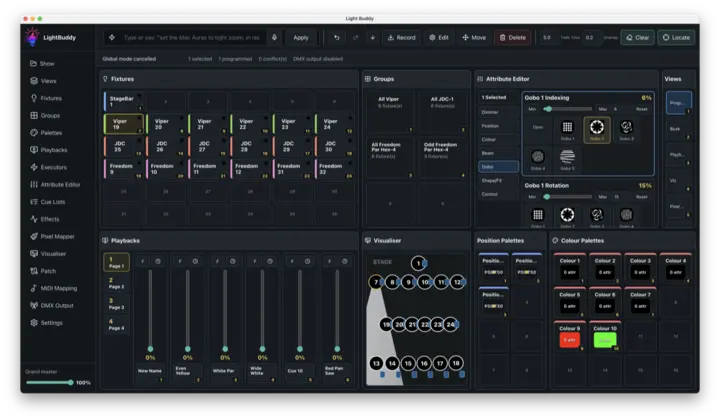
Programming
Build looks in a modern visual interface without a complex command-line workflow.
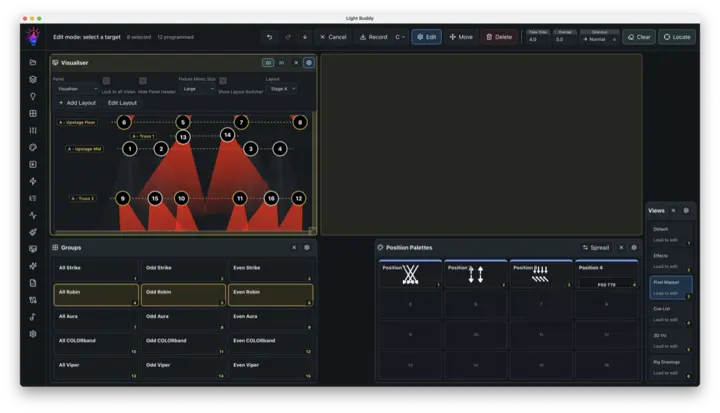
Customisable layouts
Arrange panels for programming, playback, setup and monitoring around the way you work.
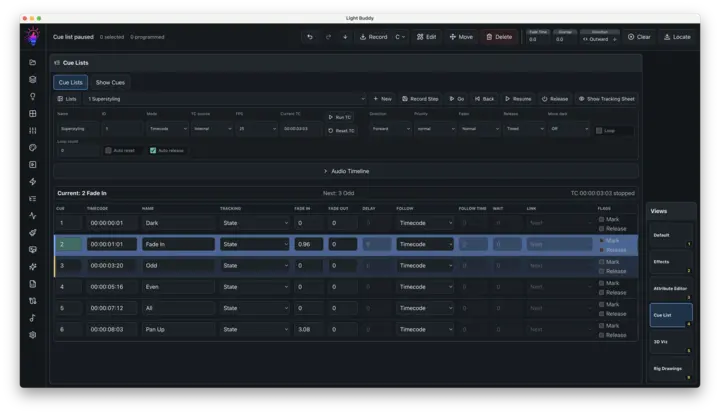
Cue lists
Sequence show moments with timing, fades and dependable playback controls.
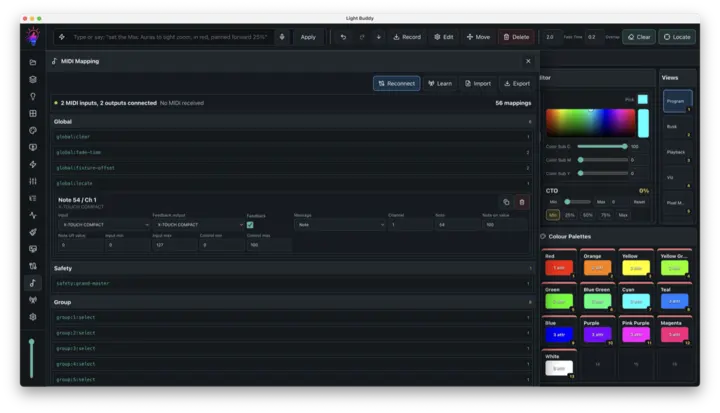
MIDI mapping
Map faders, buttons and knobs to the actions you use during a show.
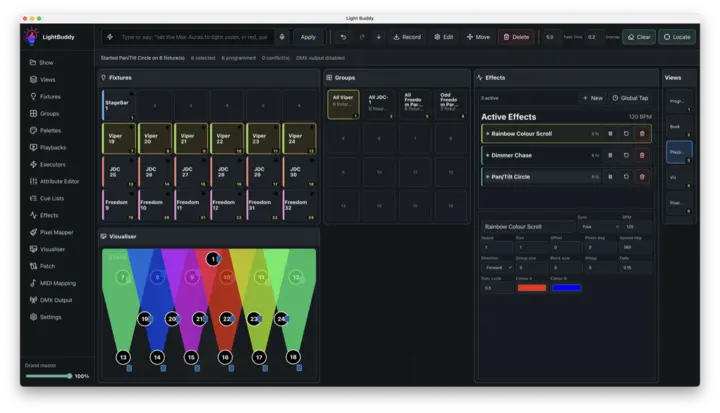
Effects engine
Create reusable movement, dimmer, colour and beam effects with visible controls.
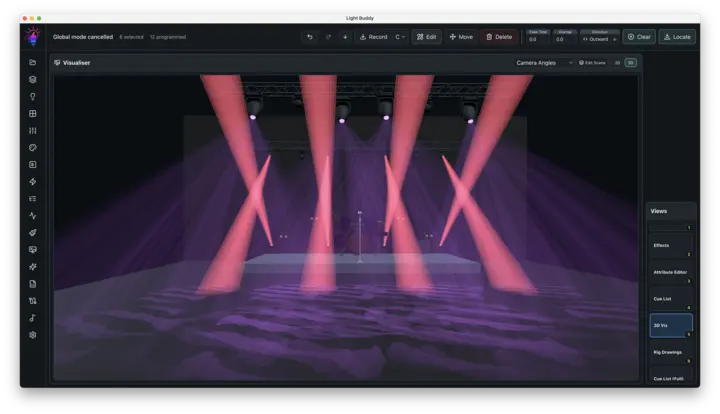
3D Visualiser
See your rig, beams and looks in a live three-dimensional stage view.
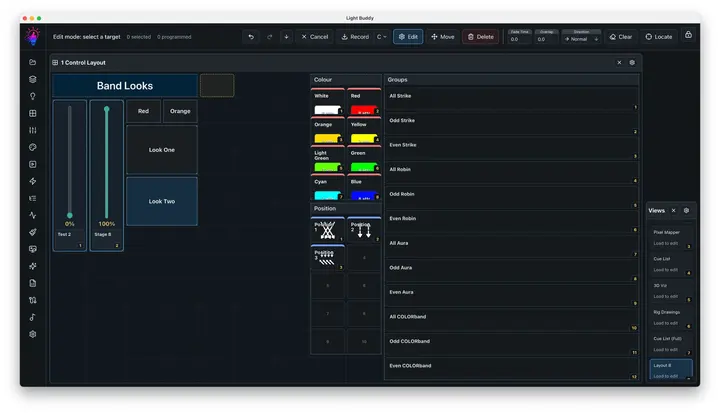
Kiosk Mode
Give operators a focused, PIN-protected control surface for live playback.
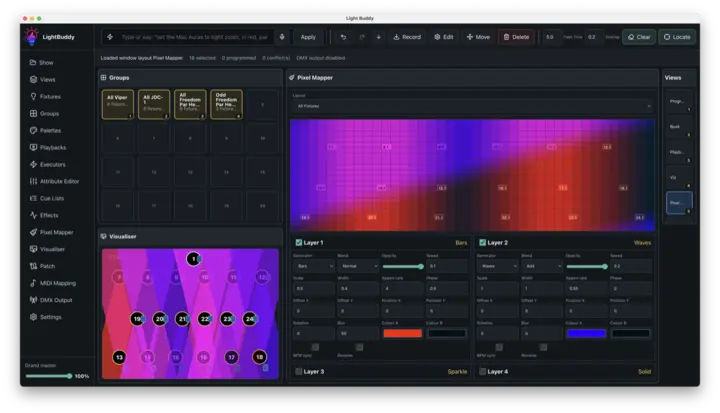
Pixel mapper
Lay out fixtures and create layered visual movement for complex pixel systems.
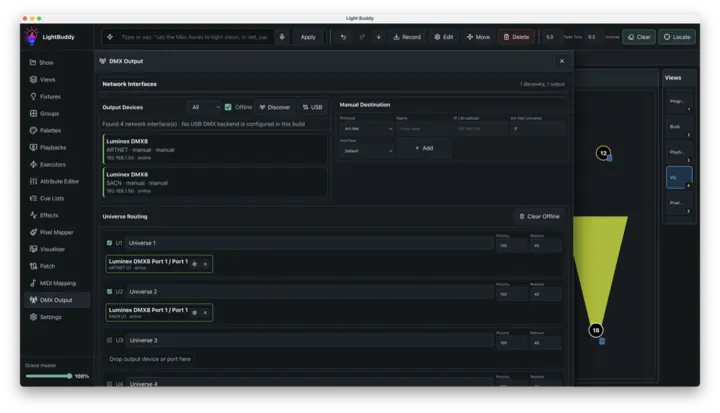
DMX output
Route universes through Art-Net, sACN or supported Open DMX dongles.
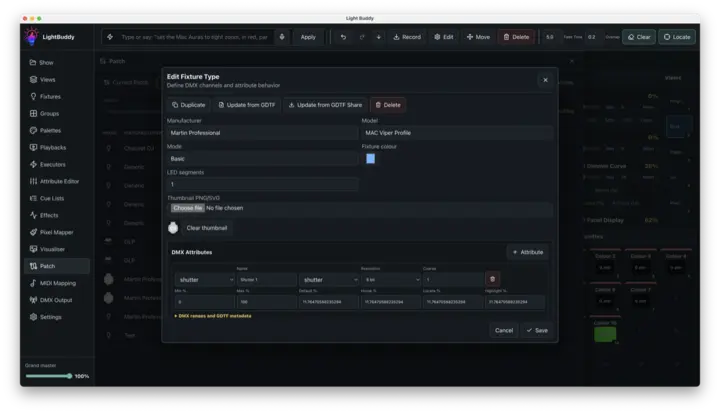
Fixture editing
Create and refine fixture personalities directly in LightBuddy.
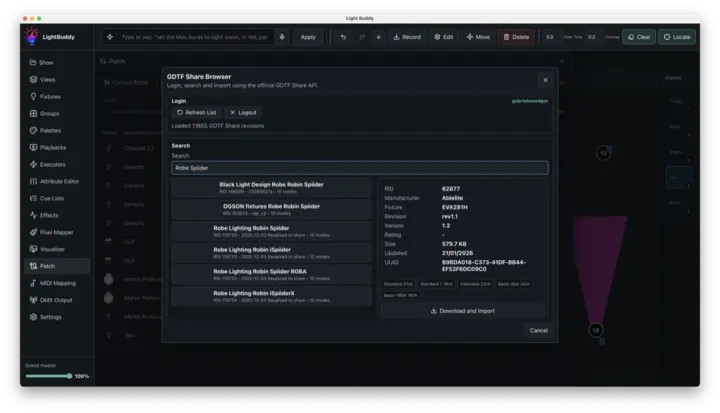
GDTF Share import
Bring fixture definitions and 3D models into your show from GDTF Share or local files.
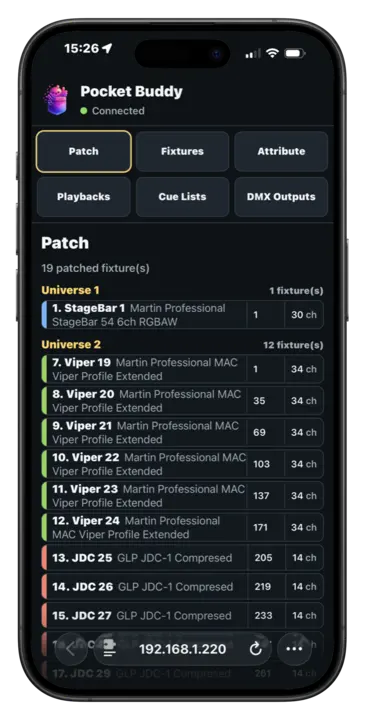
PocketBuddy
Use a phone or tablet on your local network to check patch information and make focused changes away from the desk.
Choose an edition
Start free, then grow with your show.
Every edition uses the same LightBuddy workflow.